AI UX Patterns·22 min read·February 16, 2026
Designing for Uncertainty: UX Patterns When AI Outputs Are Probabilistic
Traditional interfaces promise deterministic results. AI interfaces cannot. The gap between what users expect and what probabilistic systems deliver is where trust lives or dies — and most teams are designing for the wrong side of it.

Viktor BezdekEngineering / Product Leadership
Your search bar has made the same promise for twenty years: type something in, get the right results back. The contract is simple. The system knows the answer or it does not. There is no in-between. Now replace that search bar with an AI assistant. The user types the same query and gets back something that looks like a confident answer — but under the hood the system is not certain at all. It has assigned a probability to its response. Maybe 92 percent. Maybe 61 percent. Maybe 34 percent. The user sees none of this. They see a clean paragraph of text that reads like truth. This is the fundamental UX crisis of the AI era: we are building interfaces that present probabilistic outputs with the visual authority of deterministic ones.
The consequences are not theoretical. When a medical AI presents a diagnosis with the same typographic confidence as a lab result, patients and doctors make different decisions than they would if the uncertainty were visible. When a code completion tool suggests a function body with no indication that it has only moderate confidence in the logic, developers accept bugs they would have caught if prompted to review. When a legal research AI summarizes case law with no hedging, lawyers cite hallucinated precedents. Every one of these failures shares a root cause: the interface communicated certainty that the system did not possess.
The Deterministic Hangover
The problem starts with inherited assumptions. For forty years, interface designers have operated under an implicit contract: what the system shows the user is what the system knows to be true. A bank balance is exact. A file name is a file name. A calendar event either exists or it does not. The entire visual language of software — clean typography, sharp borders, aligned layouts — evolved to communicate precision. There are no fuzzy edges in a well-designed form because there is no fuzziness in the data.
AI broke this contract. The outputs of large language models, image generators, recommendation engines, and classification systems are not facts — they are predictions with associated confidence scores. But the interfaces wrapping those outputs overwhelmingly present them as facts. ChatGPT does not say 'I am 73 percent confident that the Battle of Hastings was in 1066.' It says 'The Battle of Hastings was in 1066.' The format is indistinguishable from a deterministic lookup. The user cannot tell the difference between a fact the model retrieved and a plausible-sounding guess the model generated. This is not a minor design oversight. It is a category error that cascades into every downstream interaction.
We are building interfaces that present probabilistic outputs with the visual authority of deterministic ones. This is not a minor design oversight — it is a category error.
A Taxonomy of Uncertainty in AI Interfaces
Before we can design for uncertainty, we need to distinguish between the types of uncertainty users encounter in AI-powered products. Not all uncertainty is equal, and the design responses differ significantly.
The first type is output uncertainty — the model is not sure about the content of its response. A translation tool might be confident about most of a sentence but uncertain about one idiomatic phrase. A code assistant might be certain about the algorithm but unsure about the API syntax. Output uncertainty is granular and often varies within a single response.
The second type is scope uncertainty — the model is not sure it understood the request correctly. The user asked for 'a summary of the Johnson report' and there are three Johnson reports in the system. The model picked one, but it might be wrong. This is fundamentally different from output uncertainty because the entire response could be irrelevant, not just inaccurate.
The third type is capability uncertainty — the model is operating near the edge of what it can do. A user asks a coding assistant to refactor a complex distributed system. The model will produce something, but it is operating well beyond its reliable capability boundary. The dangerous part is that the output may look just as polished as a response within the model's sweet spot.
The fourth type, and the most insidious, is temporal uncertainty — the model's confidence in its own response degrades over time. A recommendation that was excellent when the model last saw data may be stale. A market analysis generated from training data that ends six months ago may be dangerously outdated. The user has no way to know unless the interface communicates the freshness of the underlying knowledge.

Pattern 1: Confidence Indicators That Actually Work
The most obvious response to probabilistic outputs is to show confidence scores. The execution, however, is almost always wrong. Slapping a '87% confident' badge next to an AI response creates more problems than it solves. Users do not have calibrated intuitions about what 87 percent means. Is that good? Is it worrying? Should they double-check? The number is precise but uninformative.
The patterns that work operate on a different principle: they communicate actionable confidence rather than numerical confidence. Instead of telling the user how sure the model is, they tell the user what to do given the model's certainty level. Here are the patterns that have proven effective in production AI products.
The Traffic Light Pattern
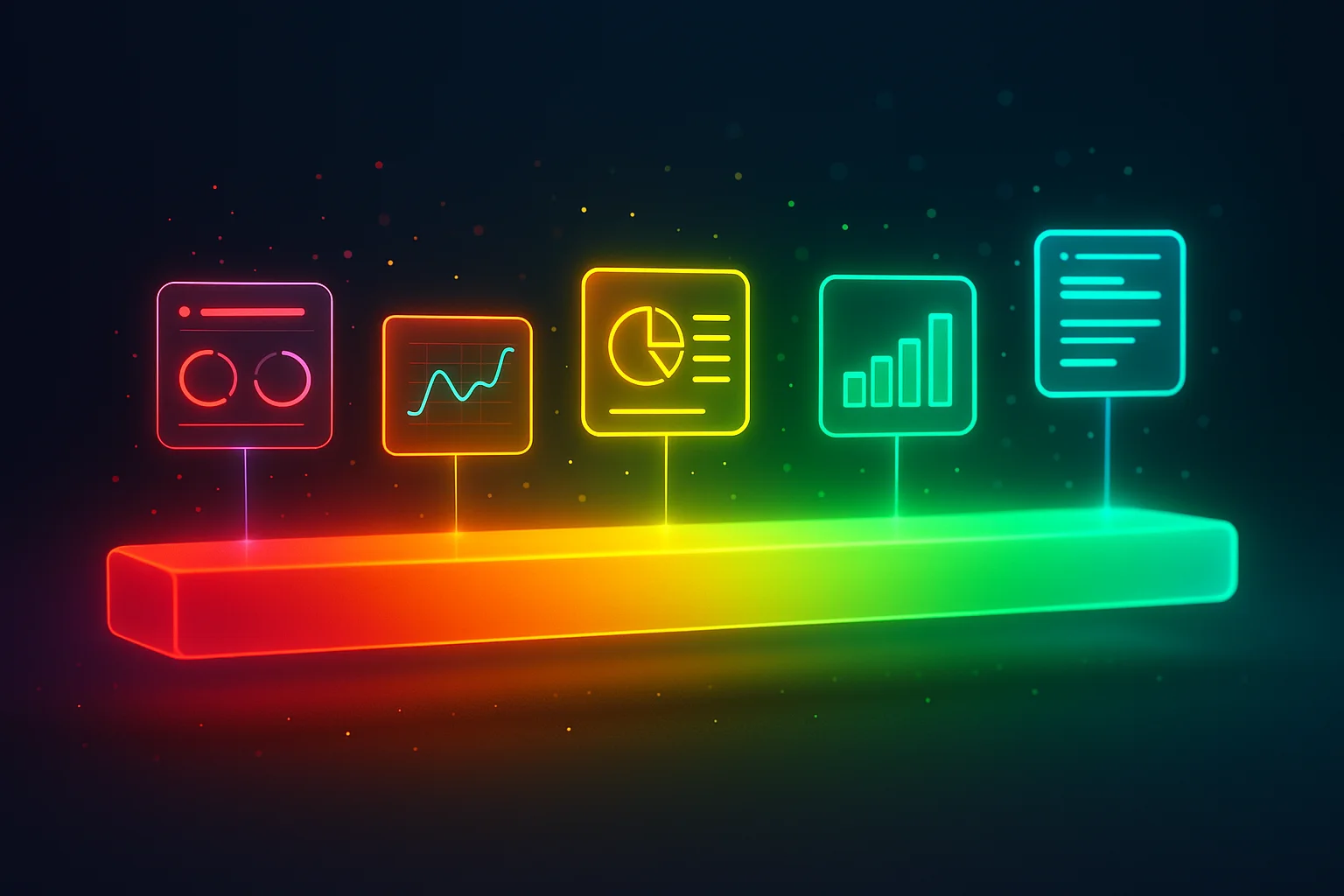
Map confidence to three tiers — high, medium, and low — and encode them in color, language, and interaction design simultaneously. High confidence outputs appear in standard UI (no special treatment needed — this is the baseline). Medium confidence outputs get a subtle visual modifier (a colored left border, a slightly different background tint) and hedged language ('This appears to be...' rather than 'This is...'). Low confidence outputs get a distinct visual treatment, explicit hedging, and a prominent 'verify this' call to action. The key insight is that the tiers are behavioral, not numerical. The boundaries between tiers should be set based on the cost of an error in each specific context, not on a universal threshold.
The Inline Uncertainty Marker
For long-form AI outputs — summaries, reports, generated code — overall confidence scores are useless because confidence varies within the response. The inline uncertainty marker pattern highlights specific spans of text where the model's confidence drops below a threshold. Think of it like a spellchecker, but for confidence. Google's NotebookLM uses a version of this when it highlights claims in AI-generated summaries that it can link to source material — the unmarked claims implicitly carry less authority. GitHub Copilot's ghost text uses opacity as a confidence signal, though this is more about interaction affordance than uncertainty communication.
The Source Attribution Pattern
Sometimes the most effective confidence indicator is not about the model at all — it is about the data. Showing users what evidence the model based its response on lets them make their own confidence assessment. Perplexity's inline citations, Bing Chat's source links, and RAG-powered enterprise tools that show retrieved passages all use this pattern. The user sees the response AND the receipts. This works because it converts a trust-the-model question into a trust-the-sources question, and users are much better at evaluating sources than evaluating AI confidence.
- Traffic Light Pattern: Map confidence to three behavioral tiers with distinct visual treatment, language style, and interaction design
- Inline Uncertainty Marker: Highlight specific spans within a response where confidence drops, similar to a spellchecker for reliability
- Source Attribution: Show the evidence the model relied on, converting 'trust the AI' into 'trust the sources'
- Graduated Commitment: Start with a preview or summary at low commitment cost, let users drill deeper only if the initial output seems credible
- Comparative Output: Show multiple alternative responses when confidence is low, letting users choose rather than blindly accepting one
Pattern 2: Hedged Language Without Sounding Weak
Language is the most powerful — and most underused — uncertainty signal in AI interfaces. The words an AI system uses to frame its response fundamentally shape how users interpret and act on it. But most teams avoid hedged language because they think it makes the product sound unconfident. This is a false tradeoff. The goal is not to sound uncertain — it is to sound calibrated.
Compare these two framings of the same AI output. Version A: 'The root cause is a memory leak in the authentication service.' Version B: 'Based on the error patterns and timing, this is most likely a memory leak in the authentication service. Two other possibilities worth checking: connection pool exhaustion and a downstream timeout cascade.' Version A sounds authoritative. Version B sounds expert. The difference is enormous. Version A will be accepted uncritically. Version B invites the right kind of scrutiny. Users who encounter Version B are more likely to actually diagnose the problem correctly because they were given a mental framework for evaluation, not just an answer.
The goal is not to sound uncertain. It is to sound calibrated. There is a world of difference between an AI that hedges nervously and one that communicates like an expert who knows what they know and what they do not.
The practical framework for hedged language has three levels. For high confidence responses, use direct language with minimal hedging: 'The file is located at...' or 'This function returns...' No need to qualify what the model is sure about. For medium confidence, frame the output as the most likely answer among alternatives: 'This appears to be X. It could also be Y if the condition Z is different.' For low confidence, be explicit about the limitation: 'I do not have enough information to determine this definitively. Here is my best assessment based on what is available, but I would recommend verifying with...' The key is that each level sounds professional and competent, not anxious.
Pattern 3: Progressive Disclosure of AI Reasoning
One of the most effective uncertainty patterns borrows from an old UX principle: progressive disclosure. Instead of showing all the uncertainty information upfront (which overwhelms) or hiding it entirely (which misleads), layer it. The default view shows the AI's best answer. One click deeper shows the confidence assessment and alternative interpretations. Another click shows the raw reasoning chain or source evidence.
This pattern respects the reality that most users most of the time want a direct answer. They are not interested in confidence scores or alternative hypotheses — they want the recommendation. But when the stakes are high, when the answer seems surprising, or when they need to defend a decision to someone else, they need the deeper layers. Progressive disclosure lets the same interface serve both modes.
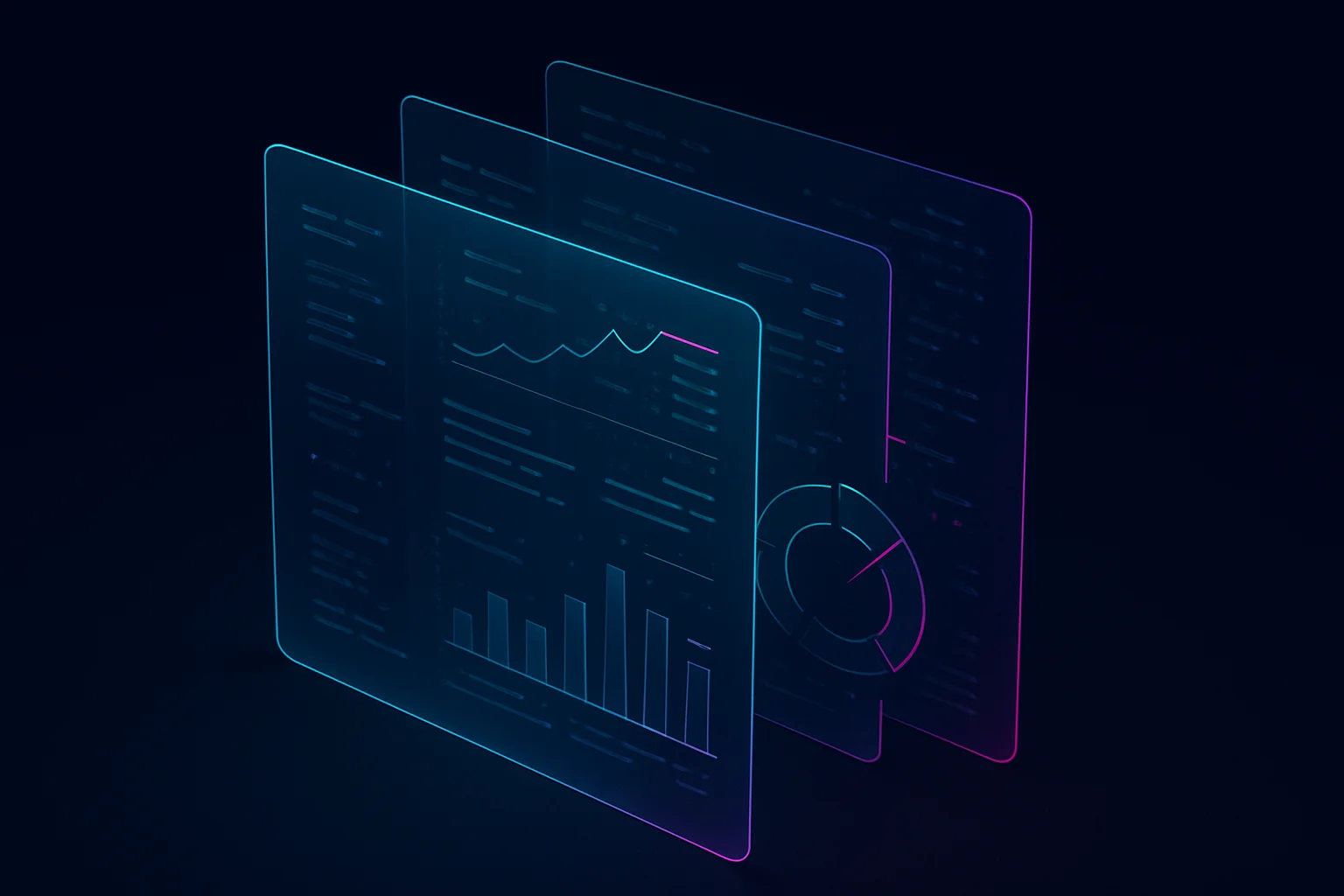
The implementation matters. The expand trigger should be contextual, not generic. 'See why I suggested this' is better than 'More details.' 'View 3 alternative approaches' is better than 'Expand.' The trigger itself should communicate what the user will find, because the decision to dig deeper is itself a signal that the user needs more certainty before acting.
Pattern 4: Interaction Design for Probabilistic Systems
Beyond visual and language patterns, uncertainty demands changes to core interaction design. The most important shift is from confirm-and-execute to suggest-and-refine. In a deterministic system, the user fills in a form and hits submit. The system executes exactly what was specified. In a probabilistic system, the AI proposes an action, the user evaluates and adjusts, and then the system executes the refined version.
This suggest-and-refine loop is the structural backbone of effective AI interfaces. Gmail's Smart Compose does not auto-send emails — it suggests text that the user can accept, modify, or ignore. Figma's AI does not replace your design — it proposes a variant you can iterate on. Cursor does not commit code — it suggests changes you can review and accept line by line. Each of these products treats the AI output as a draft, not a decision. The interaction design makes the probabilistic nature of the output tangible through the interaction itself, without needing explicit confidence scores or uncertainty labels.
The suggest-and-refine pattern also solves a measurement problem. When users accept an AI suggestion without modification, you have implicit signal that the output matched their intent. When they modify it, you have granular data about where and how the AI fell short. This feedback loop is structurally impossible in confirm-and-execute interfaces where the AI output is either used or discarded wholesale.
When to Hide Uncertainty: The Case for Confident AI
Not every AI interaction benefits from visible uncertainty signals. In fact, there are legitimate cases where showing confidence information degrades the user experience. The deciding factor is the error cost relative to the interaction cost.
Consider a music recommendation. Spotify's AI is not certain you will like the next song in your Discover Weekly. But showing a confidence score next to each track would be absurd. The cost of a wrong recommendation is trivially low — you skip the song. The cost of cluttering the interface with uncertainty information is disproportionately high. In contexts where the cost of an AI error is low AND the user can easily detect and recover from errors, hiding uncertainty is the right design choice.
The framework is straightforward. Show uncertainty when: the cost of acting on a wrong AI output is high (medical, legal, financial decisions), the user cannot easily verify the output independently (complex technical analysis, summarization of documents the user has not read), or the user needs to make a decision based on the output that is difficult to reverse. Hide uncertainty when: the interaction is low-stakes and easily reversible, the user has immediate feedback on whether the AI was right (autocomplete — you see instantly if the suggestion is correct), or showing uncertainty would create more cognitive load than the uncertainty itself warrants.
Calibrating Trust Over Time
Uncertainty communication is not static. The right level of uncertainty signaling changes as users build a mental model of the AI's capabilities. A new user of GitHub Copilot needs more uncertainty cues than someone who has used it for six months and has learned intuitively which kinds of suggestions to trust and which to scrutinize.
The best AI products implement adaptive uncertainty disclosure — more explicit early on, gradually more subtle as the user demonstrates calibrated behavior. The signal that a user is well-calibrated is that they accept AI outputs at roughly the rate the AI is actually correct. If a user accepts 95 percent of suggestions but the model is only right 70 percent of the time, they are over-relying and need more uncertainty cues. If they reject 90 percent of suggestions when the model is right 85 percent of the time, they are under-relying and the interface is probably being too cautious with its uncertainty signals.
This adaptive approach requires instrumenting both the AI's confidence and the user's acceptance behavior, then comparing the two over time. The engineering is not trivial, but the payoff is an interface that evolves with its users — communicating more uncertainty to those who need it and less to those who have learned to calibrate their own judgment.
Putting It Into Practice
If you are shipping an AI-powered feature this quarter, here is the minimum viable uncertainty design. First, classify your AI outputs by error cost. For each output type, decide whether uncertainty signals add value or noise using the framework above. This takes an afternoon and prevents you from over-engineering uncertainty UI for low-stakes interactions while under-engineering it for high-stakes ones.
Second, implement the traffic light pattern for your high-stakes outputs. Map your model's confidence scores to three behavioral tiers. Define the visual treatment, language style, and interaction pattern for each tier. This is not about showing raw numbers — it is about creating distinctly different user experiences for 'the AI is confident,' 'the AI has a good guess,' and 'the AI is not sure.'
Third, audit your AI's language. Read through fifty representative outputs and ask: would a user know this is a prediction, not a fact? If the answer is no for more than a quarter of them, your language layer needs hedging work. Apply the three-level language framework — direct for high confidence, framed-as-most-likely for medium, explicitly limited for low.
Fourth, add one layer of progressive disclosure. For every AI output that matters, give users a way to see why the AI produced that output and what alternatives it considered. This does not need to be sophisticated. Even a 'Why this suggestion?' link that shows the model's top three considerations is transformative.
- Classify outputs by error cost — decide where uncertainty signals add value versus noise
- Implement the traffic light pattern — three behavioral tiers with distinct visual and language treatment
- Audit AI language — ensure high-stakes outputs use calibrated hedging, not false authority
- Add progressive disclosure — give users a path from answer to reasoning to evidence
- Instrument acceptance rates — measure whether users are well-calibrated or dangerously over-reliant
Key Takeaways
- AI outputs are probabilistic, but most interfaces present them with the visual authority of deterministic results — this is the root cause of AI trust failures
- Four types of uncertainty (output, scope, capability, temporal) each require different design responses
- Effective confidence indicators communicate what the user should do, not what percentage the model assigned — use behavioral tiers, not raw numbers
- Hedged language done well sounds expert and calibrated, not weak — reserve uncertainty markers for moments that genuinely warrant them
- The suggest-and-refine interaction model is the most elegant uncertainty pattern because it makes the AI's probabilistic nature a structural feature of the interaction
- Not all uncertainty should be visible — hide it when error costs are low and users have immediate feedback on AI accuracy
The era of deterministic interfaces is not ending — it is being joined by a parallel universe of probabilistic ones. The teams that thrive in this new environment will not be the ones who make their AI sound more confident. They will be the ones who make uncertainty a first-class element of their design system — as intentional and well-crafted as their typography, their color palette, and their interaction patterns. Uncertainty is not a flaw to hide. It is information to design.
AI UX PatternsUncertainty DesignProbabilistic UITrust CalibrationConfidence IndicatorsAI Design
KEEP READING
Related Articles
UX & AI·24 min read
From GUI to Intent: Why Your Carefully Designed Buttons Don’t Matter Anymore
Jakob Nielsen declared the death of the GUI. When users delegate tasks to AI agents instead of clicking through your flows, the new UX battleground shifts from pixel-perfect layouts to API discoverability, data structure clarity, and autonomous action safety.
UX & AI·23 min read
The Mixed-Initiative Interface: Designing Control Handoffs Between Humans and AI
Your AI agent optimizes pricing. Suddenly it makes a decision that looks wrong. Can the user override it? Should they? The hardest UX engineering problem of 2026 is not building AI that acts autonomously — it is building the seams where autonomy transfers cleanly between human and machine without losing state, context, or accountability.